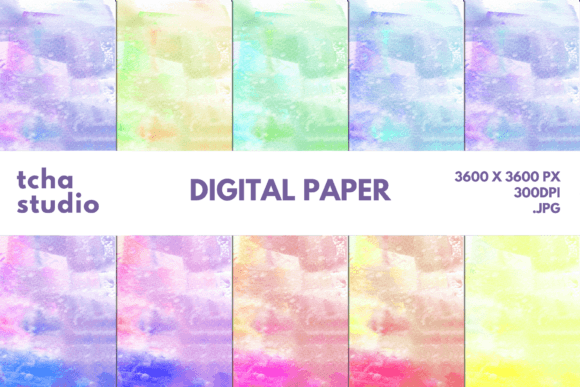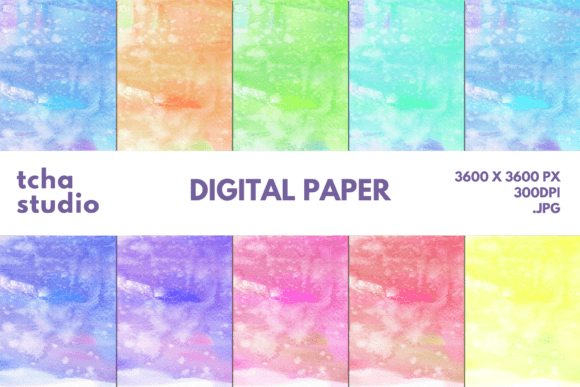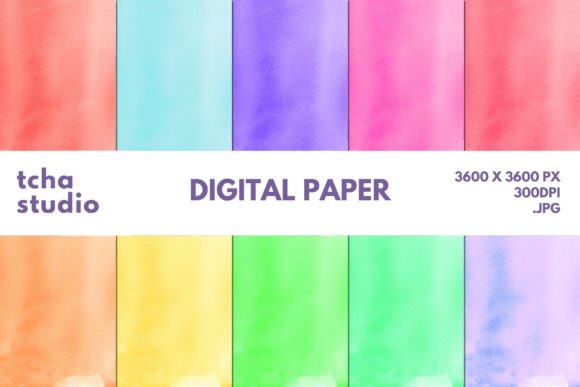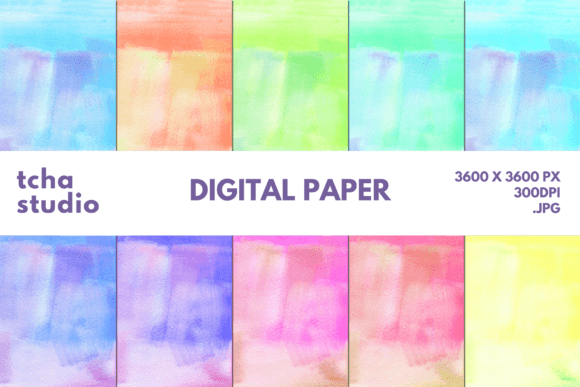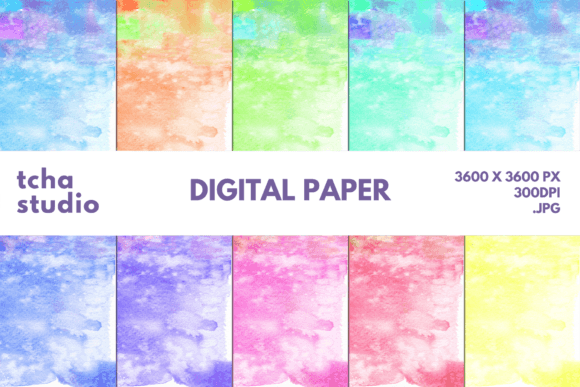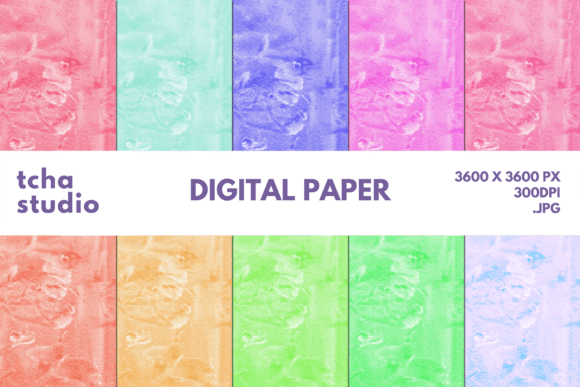
Watercolor Background Digital Papers 17
Looking for a versatile and beautiful digital paper that can elevate your creative projects? Watercolor Background Digital Papers 17 offers a stunning blend of artistry and functionality. Designed with a soft, painterly texture, this digital paper is perfect for adding a unique touch to various products and designs.
What Is Watercolor Background Digital Paper?
Watercolor Background Digital Papers 17 is a high-resolution digital paper file that mimics the look of traditional watercolor paintings. It comes in a set of 10 JPG files, each measuring 3600×3600 pixels at 300 DPI, ensuring crisp and clear prints for both digital and physical use. This makes it ideal for anyone looking to add an artistic flair to their work without the need for painting skills.
Whether you're designing merchandise, creating marketing materials, or personalizing everyday items, this digital paper provides a professional finish with minimal effort.
Why Choose This Digital Paper?
There are several reasons why Watercolor Background Digital Papers 17 stands out among other digital paper options:
- Versatility: Use it for T-shirts, stickers, mugs, pillows, blankets, book covers, phone cases, and more.
- High Quality: The 300 DPI resolution ensures that the design looks sharp and detailed on any medium.
- Artistic Appeal: The soft watercolor textures add a warm, elegant feel to your projects.
- Time-Saving: No need to paint or create from scratch—just apply the digital paper and go.
Where Can You Use Watercolor Background Digital Papers 17?
The beauty of Watercolor Background Digital Papers 17 lies in its wide range of applications. Here are some common uses across different industries:
For Entrepreneurs and Small Business Owners:
If you run a boutique or craft store, you can use these digital papers to create custom product packaging, branded stationery, or promotional items. For example, you could print them on business cards or use them as backgrounds for social media posts to enhance brand visibility.
For Designers and Creatives:
Graphic designers and illustrators can incorporate this digital paper into their projects for a unique aesthetic. It works well as a background for logos, invitations, or even as part of a larger design composition.
For Educators and Bloggers:
Educators might use these digital papers to create visually appealing worksheets or printable materials. Bloggers can use them as background images for blog headers or featured images to give their content a more artistic feel.
Practical Examples of Use
Let’s say you're running a small online store that sells personalized phone cases. You can use Watercolor Background Digital Papers 17 as a base for your designs, then add text or graphics on top. This not only makes your product stand out but also gives customers a sense of quality and care.
Another example: if you're organizing a birthday party and need invitations, you can print these digital papers onto cardstock and add handwritten details. The result is a beautifully crafted invitation that feels personal and special.
Things to Consider Before Using Watercolor Background Digital Papers 17
While Watercolor Background Digital Papers 17 is highly versatile, there are a few things to keep in mind before using it:
- File Format: Since it's provided in JPG format, make sure your design software supports this type of file. If needed, convert it to another format like PNG for transparency.
- Printing Requirements: If you plan to print the digital paper on physical items, ensure your printer can handle high-resolution files and that the material you're printing on is suitable for sublimation or direct-to-garment printing.
- Design Compatibility: Some digital papers may not work well with certain color schemes or fonts. Test the paper with a small sample before applying it to a full project.
By keeping these considerations in mind, you can ensure that your final product looks just as good as you imagined.
Tips for Getting the Most Out of This Digital Paper
To maximize the potential of Watercolor Background Digital Papers 17, here are a few tips:
- Layer Wisely: If you're combining the digital paper with other design elements, layering it carefully will help maintain clarity and visual balance.
- Experiment with Colors: Try pairing the soft watercolor tones with bold or contrasting colors to create striking visuals.
- Use It Sparingly: While the texture is beautiful, overusing it can make your design look cluttered. Apply it strategically for the best effect.
Watercolor Background Digital Papers 17 is more than just a background—it's a tool that can transform your creative projects. Whether you're a beginner or a seasoned designer, this digital paper offers endless possibilities for adding a touch of elegance and artistry to your work.